
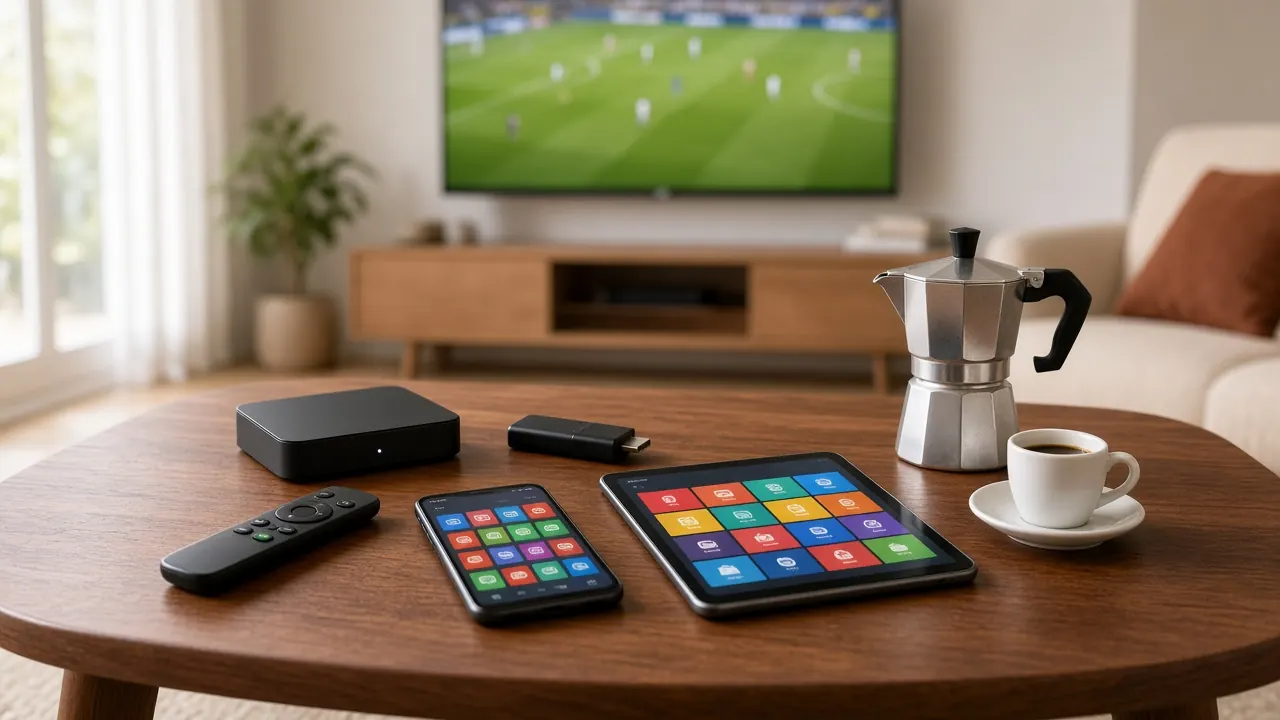
Italian IPTV setup: guides for every device
Italian IPTV setup takes a few minutes: pick your device, install a compatible player and enter the login we send you on WhatsApp. Choose your device below for step-by-step instructions.
Choose your device
Each guide has numbered steps, tips for a better picture and fixes for the most common problems.
- Smart TV Install an app from your TV’s app store — no extra hardware.
- Android box Fast and flexible, with Ethernet for the steadiest picture.
- Phone & tablet Italian TV wherever you are, at home or on the move.
- PC A desktop player turns your computer into a second TV.
- IPTV box A dedicated box with a portal: as easy as a cable box.
Before you start
- Internet: about 10 Mbps per screen for HD, 15–25 Mbps for Full HD and at least 25 Mbps for 4K. Add the speeds together if several screens watch at once.
- Home network: a cable is the most stable option; otherwise use 5 GHz Wi-Fi close to the router.
- Your login: we send it on WhatsApp once payment is confirmed. Copy and paste it rather than typing.
- Time: about ten minutes for the first device, less for the next.
Italian IPTV setup in five steps
- Choose a plan on our Italian IPTV pricing page and message us on WhatsApp.
- Tell us your device: we’ll send the right type of login and recommend the best app.
- Install the app from your device’s official store (portal boxes don’t need one).
- Enter your login exactly as we sent it.
- Wait for everything to load, then pick a channel.
Three ways to log in
| Login type | What you receive | Best for |
|---|---|---|
| Xtream Codes | Server address, username and password | Smart TVs, Android boxes, phones, tablets and PCs — the guide, movies and series load automatically |
| M3U playlist | A playlist link plus a TV guide link | Players that don’t support Xtream Codes |
| Portal | A portal address linked to the box’s MAC address | Dedicated IPTV boxes with a cable-box feel |
For most people, the Xtream Codes login is the easiest: three short details and the app organizes everything for you.
Which device is right for you?
| Device | Strengths | Good to know |
|---|---|---|
| Smart TV | No extra hardware, one remote | Apps depend on the model; older TVs can be slow |
| Android box | Fast, Ethernet, widest app choice | Plugs into an HDMI port |
| Phone and tablet | Always with you, set up in minutes | Uses data on mobile networks |
| PC | Great second screen | Needs a desktop player |
| IPTV box with portal | As simple as a cable box | Linked to one box by MAC address |
After setup: getting the most from it
- TV guide: shows what’s on now and next — make sure your device uses your local time zone.
- Favorites: one list per family member keeps everyone’s channels close.
- On demand: 186,000+ movies and 12,000+ series and episodes, ready any time.
- Parental controls: hide categories on the kids’ devices.
For the ideal combination of device, network and TV settings, read the best setup for Italian IPTV at home.
Home network requirements in detail
| Quality | Recommended speed per screen | Notes |
|---|---|---|
| SD | 3–5 Mbps | Slow connections or phones on the go |
| HD | About 10 Mbps | Good everyday quality |
| Full HD | 15–25 Mbps | Sharp on most TVs |
| 4K | 25 Mbps or more | Needs a compatible TV and device; a cable is best |
Stability matters more than headline speed: a 50 Mbps connection that drops every few minutes causes more trouble than a steady 20 Mbps one. If your TV is far from the router, an Ethernet cable, a mesh Wi-Fi system or powerline adapters make a big difference — especially in larger American homes with several floors.
Common setup problems
| Problem | What to do |
|---|---|
| “Invalid login” | Paste the details from WhatsApp again; check http:// and the port number |
| Picture freezes | Use a cable or 5 GHz Wi-Fi, restart the device and router, pause other downloads |
| Empty TV guide | With M3U, add the guide link, refresh and wait a few minutes |
| Wrong times | Set your local time zone on the device |
Stay safe: install trusted apps only
Download apps only from your device’s official store or the developer’s website. Avoid files from unknown sites and “fully loaded” boxes with preinstalled apps — they may run outdated or insecure software. Keep your login private, and message us if you change devices so we can help you set up the new one.
Setting up several devices at home
After the first device, the rest take just a few minutes: install the same app and enter the same login. A common setup is an Android box wired to the router for the living-room TV, a Smart TV app in the bedroom and a phone for catching the news in the kitchen. How many screens can play at the same time depends on your plan — if your household is large, ask us about options on WhatsApp.
Setting up for parents or grandparents
If you are setting up Italian TV for an older relative, aim for simplicity. Choose one device, often a portal-based IPTV box or an Android box with a simple remote, create a short favourites list with the channels they watch most and hide the categories they never use. If the device allows it, set the app to open automatically when the TV is switched on, and write down the three buttons they need: arrows, OK and back. If you live far apart, we can talk them through it on WhatsApp, one step at a time.
Taking it with you
Your login works wherever there is a good connection. Before a trip, install the app on your phone or tablet and test it at home; if you bring an Android box, pack its power adapter and an HDMI cable. In hotels and holiday rentals, Wi-Fi is often slow in the evening, so choose the HD version of channels. Outside your home country, keep an eye on mobile roaming charges.
After setup: three settings worth a minute
- Favourites: add your most-watched channels so they appear first.
- Parental controls: lock unsuitable categories with a PIN on children’s devices.
- TV guide updates: turn on automatic guide refresh so programme times stay accurate.
Italian IPTV setup: common questions
What login details will I receive?
It depends on your device: a server address, username and password for Xtream Codes; a playlist link (and TV guide link) for M3U; or a portal address linked to your box’s MAC address.
Why does the app say “invalid login”?
Almost always a typo: extra spaces, capital letters or an incomplete server address (missing http:// or the port number). Copy and paste the details from WhatsApp.
Will you help me set it up?
Yes. Tell us your device on WhatsApp and we’ll send step-by-step instructions and stay with you until it works.
No subscription yet? Compare Italian IPTV pricing, read about Italian IPTV in the USA, or go back to the Italian IPTV home page.

Ready to watch Italian TV?
Choose a plan, message us on WhatsApp and receive your login. From €5.83/month, no contract.
Quick activation · No contract · Support every day