
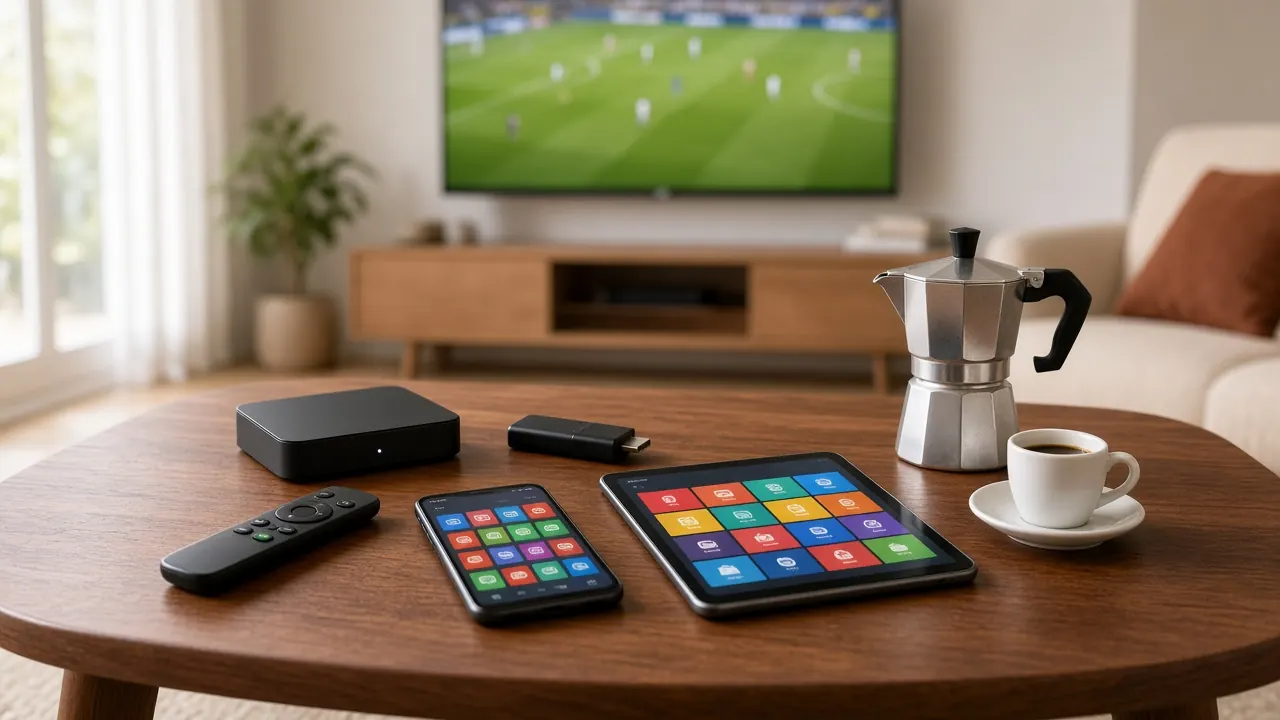
Italian IPTV on phone and tablet: setup guide
With Italian IPTV on your phone or tablet, Italian TV goes wherever you do — the kitchen, the bedroom or a business trip. Here’s how to set it up and get the most from it.
Phones and tablets are the quickest devices to set up: download an app, paste the login we send on WhatsApp and you’re watching within minutes. They’re perfect as a second screen, for frequent travelers or for catching the news while you cook.
A tablet’s bigger screen is also great for kids, ideally with a profile that only shows children’s channels. And if you want to move to the TV, many devices can send the picture to your television.
Because phones are always with you, they’re also the fastest way to check whether the service works on your connection before setting up the big TV. Install the app, watch a few channels on Wi-Fi, and once you’re happy, follow the guide for your television or box.
Time needed: about 5 minutes
What you need
- An up-to-date phone or tablet with space for one app.
- Wi-Fi or a steady 4G/5G mobile connection.
- An IPTV player from your device’s official app store.
- The login from WhatsApp, ready to copy and paste.
Step-by-step setup
-
Connect to Wi-Fi
Use your home Wi-Fi for the first setup — the channel list loads faster.
-
Install an IPTV player
Open your app store and install an IPTV player that supports Xtream Codes or M3U. We’ll recommend one.
-
Add a playlist
When the app opens for the first time, choose “Add playlist” or “Add user.”
-
Copy and paste your login
Open our WhatsApp message, copy the server address, username and password (or the M3U link) and paste them into the app. Pasting avoids typos.
-
Save and wait
Save the playlist and give it a moment while channels, the guide and the library load.
-
Pick a channel
Open the Italian channels category and tap a channel. Rotate the device for full screen.
-
Choose the right quality on mobile data
Away from Wi-Fi, pick the HD version of channels: it uses less data and stays smooth on a weaker signal.
-
Send it to your TV (optional)
If your TV supports it, use your device’s screen-casting feature to watch on the big screen.
Tips for a better picture
- An hour of HD streaming uses roughly 1.5–3 GB of data — keep it in mind on a limited plan.
- Turn on Do Not Disturb so notifications don’t interrupt the game.
- On a kids’ tablet, create a favorites list with children’s channels only.
- Close background apps for smoother playback and longer battery life.
Common problems and fixes
| Problem | Likely cause | Fix |
|---|---|---|
| Video stops on the go | Weak mobile signal | Choose the HD version or switch to Wi-Fi |
| “Invalid login” | Spaces copied with the text | Paste again, checking for spaces before or after |
| Casting won’t start | Phone and TV on different networks | Connect both to the same Wi-Fi |
| Battery drains fast | High brightness, apps open | Lower the brightness and close other apps |
Living abroad and watching on the go? Read how to watch Italian TV abroad.
Frequently asked questions
Can I use one subscription on my phone and TV?
Yes, you can install the app on all your devices. How many can play at once depends on your plan — ask us on WhatsApp.
How much data does it use?
About 1.5–3 GB an hour in HD, more in Full HD. On mobile data, choose HD channels to save data.
Does it work when I travel?
Yes, with a steady connection. Watch out for roaming charges and use Wi-Fi when you can.

Ready to watch Italian TV?
Choose a plan, message us on WhatsApp and receive your login. From €5.83/month, no contract.
Quick activation · No contract · Support every day