
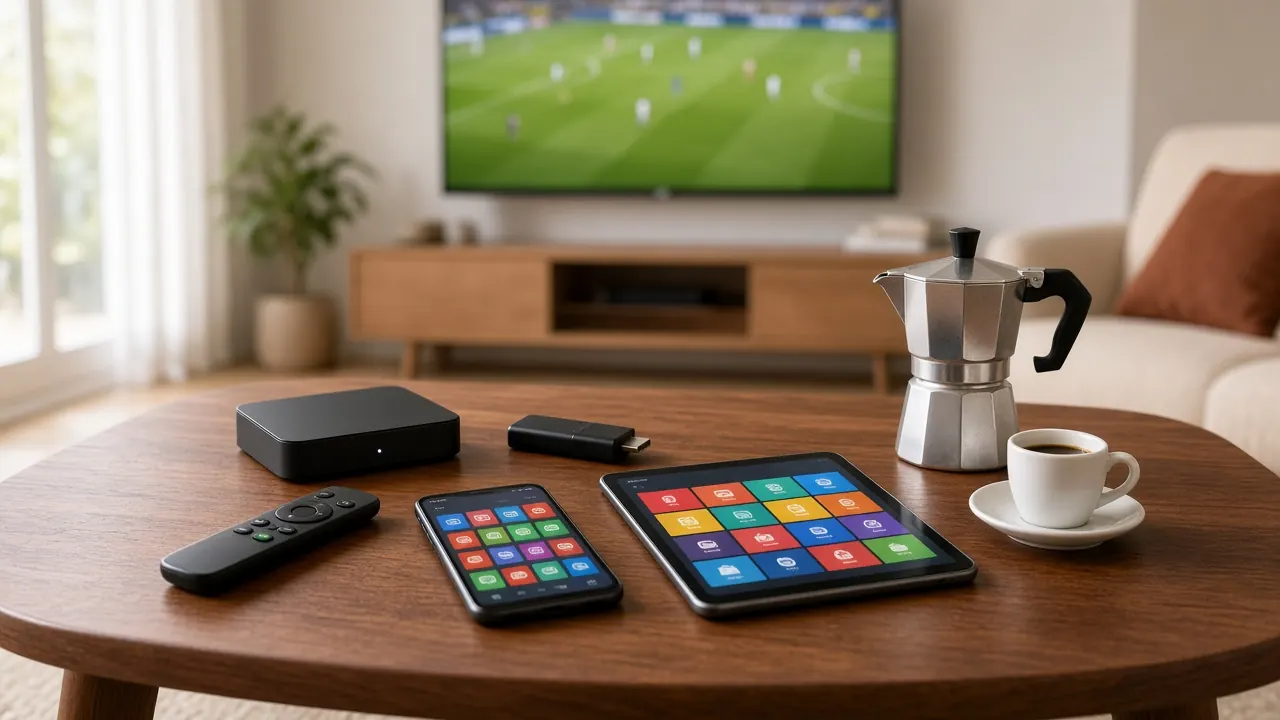
Italian IPTV on Smart TV: step-by-step setup
Setting up Italian IPTV on a Smart TV is the simplest way to watch Italian channels on the big screen, with no extra box or cables. Here’s how, step by step.
Most Smart TVs made in the last few years have an app store where you can download an IPTV player. Once it’s installed, that app becomes your remote control for 44,000+ channels, the TV guide and the on-demand library — one remote, no extra hardware.
Smart TVs aren’t all alike, though. App stores, processor speed and how long a model gets updates vary a lot. Before you start, message us on WhatsApp with your TV’s brand and year, and we’ll tell you which player works best on it.
Once it’s set up, using it feels like regular TV: you browse the guide with the arrow keys, press OK to watch and use the back button to return to the channel list. Favorites, parental controls and the on-demand library are all available from the same app, so the whole family can use it without any special training.
Time needed: about 10 minutes
What you need
- A Smart TV with an app store, ideally from the last five or six years.
- A steady internet connection: about 10 Mbps for HD, 15–25 Mbps for Full HD.
- An Ethernet cable or strong 5 GHz Wi-Fi where the TV sits.
- The login we send you on WhatsApp (Xtream Codes or M3U playlist).
Step-by-step setup
-
Connect the TV to the internet
Open the TV’s network settings and connect it to your router with an Ethernet cable or to your 5 GHz Wi-Fi network. A cable gives the steadiest picture, especially for live sports.
-
Update the TV software
In the settings, look for a system or software update and install the latest version. Updates improve app compatibility and stability.
-
Open the app store
From the home screen, open the TV’s app store. Sign in with an account if asked — you’ll need one to install apps.
-
Find a compatible IPTV player
Search for an IPTV player that supports Xtream Codes logins or M3U playlists and shows a TV guide. We’ll recommend the right one for your model on WhatsApp.
-
Install and open the app
Install the app and open it. Some players show a device code and let you add your login from a web page on your phone — the easiest way to avoid typing with the remote.
-
Enter your login
Choose “Xtream Codes” and enter the server address, username and password exactly as we sent them — or choose “M3U” and paste the playlist link.
-
Wait for everything to load
The app downloads the channel list, the TV guide and the on-demand library. The first time can take a minute or two.
-
Set your time zone and favorites
Make sure the TV uses your local time zone so the guide shows the right times, then add your most-watched channels to favorites.
-
Pick a channel and watch
Open the Italian channels category, choose a channel and press OK. If anything looks wrong, message us on WhatsApp.
Tips for a better picture
- Use a wired connection when you can — it’s the best fix for freezing.
- Pick the TV’s “Movie” or “Standard” picture mode for drama and “Sports” mode for games.
- Close other apps on the TV to free memory and speed up channel changes.
- If the TV is slow or has no suitable app, a streaming stick or Android box plugged into HDMI solves it for little money.
Common problems and fixes
| Problem | Likely cause | Fix |
|---|---|---|
| App not in the store | TV platform not supported | Ask us for an alternative or add an Android box |
| “Invalid login” | Typo or extra spaces | Re-enter carefully, or add the login from your phone if the app allows it |
| Picture freezes | Weak Wi-Fi or busy network | Use a cable or 5 GHz Wi-Fi, restart the TV and router |
| Guide times are wrong | Wrong time zone | Set the correct time zone or adjust the guide offset in the app |
Want the full picture on devices, networks and settings? Read the best setup for Italian IPTV at home.
Frequently asked questions
Do all Smart TVs work?
Almost all recent ones with an app store. Older models may have a limited store or outdated apps; a streaming stick or Android box is then the better choice.
Do I need to install the app on every TV?
Yes, on each TV you want to use. How many can play at the same time depends on your plan — ask us on WhatsApp.
Can I use my normal TV remote?
Yes. Once set up, the app works with the TV remote: arrows to browse, OK to watch and back to return to the guide.

Ready to watch Italian TV?
Choose a plan, message us on WhatsApp and receive your login. From €5.83/month, no contract.
Quick activation · No contract · Support every day